> Incident Pattern
Process Historian Storage Depletion
Process Historian Storage Depletion occurs when plant SCADA and telemetry data collectors exhaust available disk partitions, transaction log volumes, or circular buffer caches. As disk space reaches 100%, the historian daemon either crashes or silently drops incoming analog tag updates. Plant engineers lose historical trend visibility, emissions compliance records become corrupted, and subsequent root-cause investigations of physical plant events are permanently crippled. Operational Playbook (9-Step Protocol): 1. Contain: Expand virtual disk volumes or purge temporary crash dump files to prevent write timeouts. 2. Understand Impact: Identify missing tag time windows and determine if regulatory environmental emissions reporting is compromised. 3. Stabilize: Direct interface nodes to retain local circular spooling and pause non-critical batch analytics queries. 4. Preserve Evidence: Back up current archive catalog metadata and snapshot disk partition allocation tables. 5. Communicate: Notify Plant Operations, Automation Engineering, and Environmental Compliance Leads. 6. Root Cause: Audit tag sampling rates, deadband compression settings, and runaway high-frequency sensor tag additions. 7. Corrective Action (CAPA): Reclaim storage via Tier 2 warm-tier archival, adjust deadband compression filters, and provision dedicated SAN storage. 8. Prevent Recurrence: Implement multi-tiered storage automated rollover, disk headroom alerting at 80%, and tag governance workflows. 9. Verify: Replay cached interface node buffers, verify zero data loss across time windows, and obtain signed acceptance from plant operations.
Definition
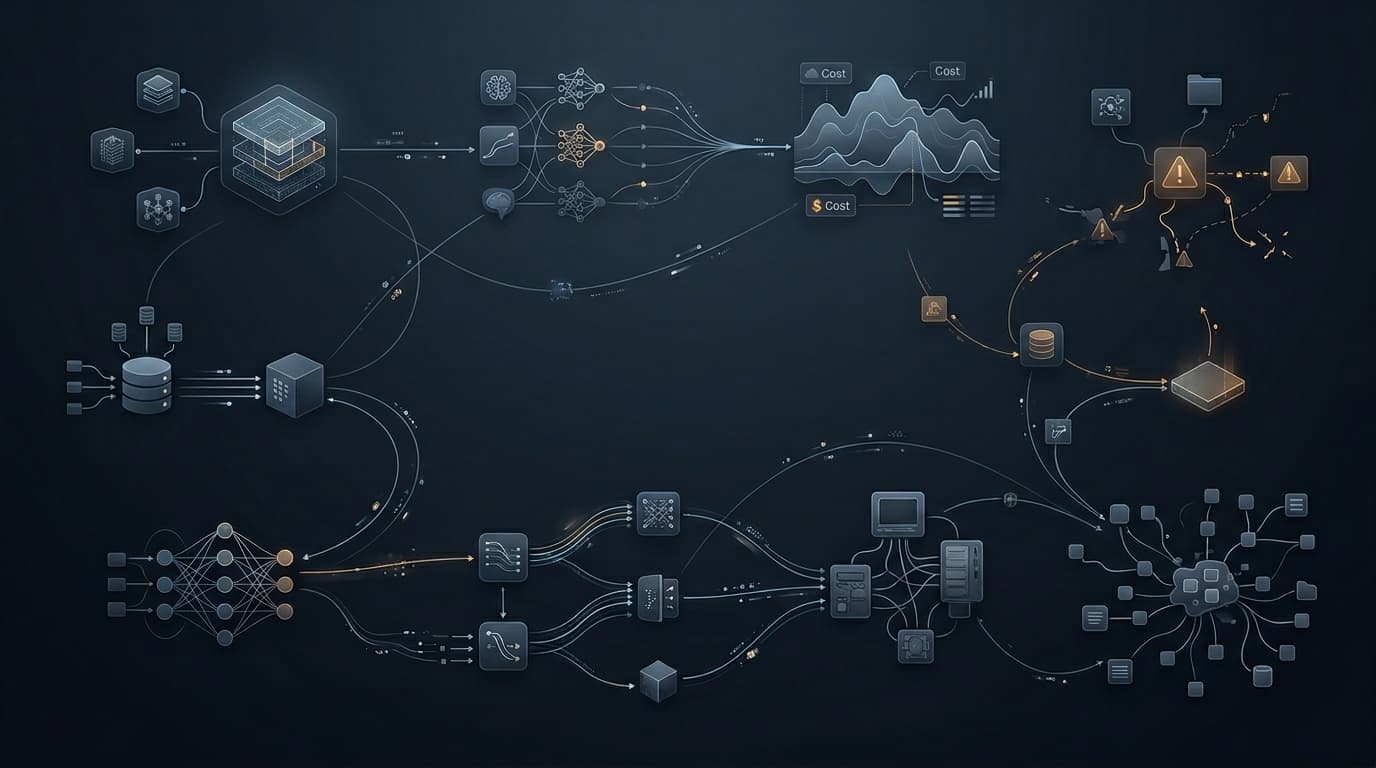
High-frequency telemetry saturates time-series storage partitions, dropping plant operational tags and blinding engineers to process anomalies.
Process Historian Storage Depletion occurs when plant SCADA and telemetry data collectors exhaust available disk partitions, transaction log volumes, or circular buffer caches. As disk space reaches 100%, the historian daemon either crashes or silently drops incoming analog tag updates. Plant engineers lose historical trend visibility, emissions compliance records become corrupted, and subsequent root-cause investigations of physical plant events are permanently crippled. Operational Playbook (9-Step Protocol): 1. Contain: Expand virtual disk volumes or purge temporary crash dump files to prevent write timeouts. 2. Understand Impact: Identify missing tag time windows and determine if regulatory environmental emissions reporting is compromised. 3. Stabilize: Direct interface nodes to retain local circular spooling and pause non-critical batch analytics queries. 4. Preserve Evidence: Back up current archive catalog metadata and snapshot disk partition allocation tables. 5. Communicate: Notify Plant Operations, Automation Engineering, and Environmental Compliance Leads. 6. Root Cause: Audit tag sampling rates, deadband compression settings, and runaway high-frequency sensor tag additions. 7. Corrective Action (CAPA): Reclaim storage via Tier 2 warm-tier archival, adjust deadband compression filters, and provision dedicated SAN storage. 8. Prevent Recurrence: Implement multi-tiered storage automated rollover, disk headroom alerting at 80%, and tag governance workflows. 9. Verify: Replay cached interface node buffers, verify zero data loss across time windows, and obtain signed acceptance from plant operations.
Recognition Signals
- •Historian database partition utilization reaching 98%
- •Interface node queue depth exploding
- •Flatline sensor telemetry on HMI trend charts
Likely Impacts
- •Environmental compliance violation
- •Loss of process forensic history
- •Failure of predictive maintenance models
Investigation Questions
- •5. Communicate: Notify Plant Operations, Automation Engineering, and Environmental Compliance Leads.
- •6. Root Cause: Audit tag sampling rates, deadband compression settings, and runaway high-frequency sensor tag additions.
Containment Guidance
- •1. Contain: Expand virtual disk volumes or purge temporary crash dump files to prevent write timeouts.
- •2. Understand Impact: Identify missing tag time windows and determine if regulatory environmental emissions reporting is compromised.
- •3. Stabilize: Direct interface nodes to retain local circular spooling and pause non-critical batch analytics queries.
- •4. Preserve Evidence: Back up current archive catalog metadata and snapshot disk partition allocation tables.
Remediation Guidance
- •7. Corrective Action (CAPA): Reclaim storage via Tier 2 warm-tier archival, adjust deadband compression filters, and provision dedicated SAN storage.
Prevention Guidance
- •8. Prevent Recurrence: Implement multi-tiered storage automated rollover, disk headroom alerting at 80%, and tag governance workflows.
- •9. Verify: Replay cached interface node buffers, verify zero data loss across time windows, and obtain signed acceptance from plant operations.
FAQ
How do deadband compression settings prevent historian disk depletion?
Deadband algorithms discard incoming sensor readings that do not deviate beyond a defined engineering percentage from the previous logged state, reducing raw storage demands by up to 90%.
AEO Summary
Operational troubleshooting playbook for plant historian storage exhaustion, disk partitioning recovery, deadband compression tuning, and compliance trend data preservation.
AI Summary
Process Historian Storage Depletion details storage exhaustion incidents on industrial time-series databases, presenting 9-step recovery protocols for buffer draining and capacity forecasting.